
Inspire Your Leaders
Association leaders need immediate access to clear, actionable data. Powered by Microsoft Power BI, Protech LX 365 embeds directly into your AMS, equipping your board and executive team with interactive dashboards and pre-configured analytics to guide faster, data-driven decisions.
Make Data-Driven Decisions with Power BI
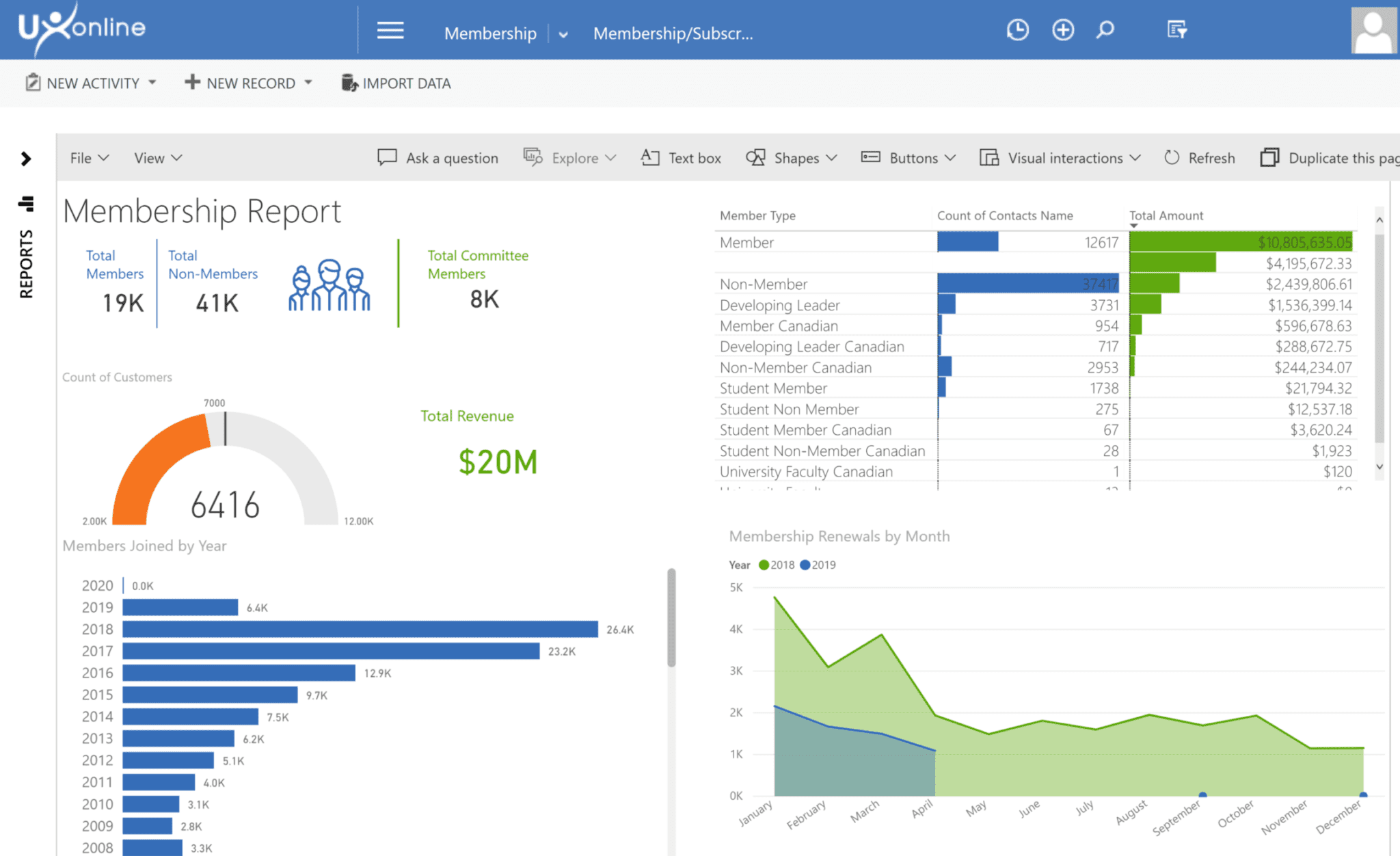
Protech’s LX 365 is a game-changing set of interactive reports and dashboards that help your leadership adapt, adjust, forecast, and plan based on your AMS data.
Built-In Association Analytics
LX 365 will help you uncover hidden insights:
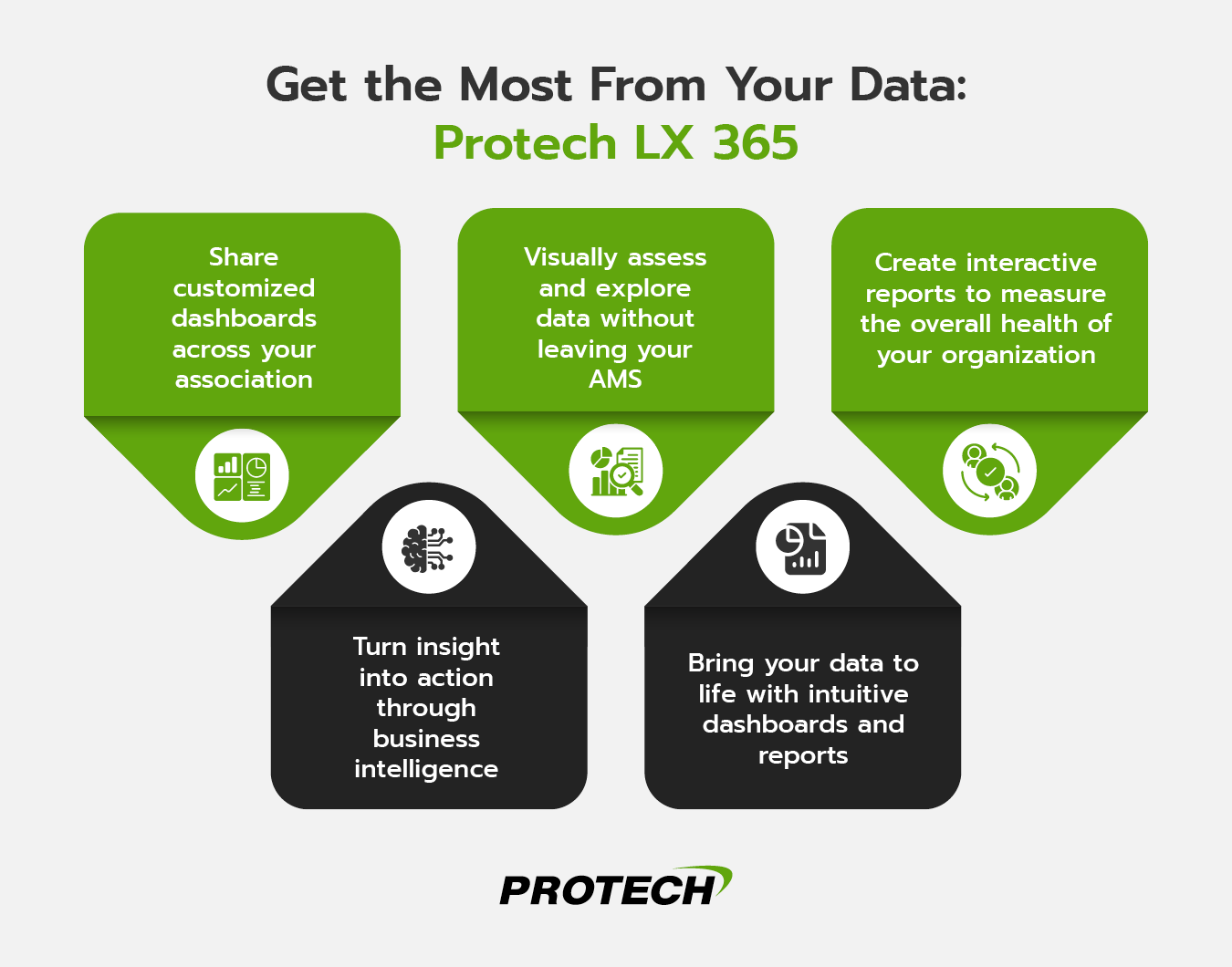
- Embedded analytics: Analyze and explore data without having to leave your AMS.
- Pre-configured data sets: Speed up reporting with these pre-configured data modules designed for associations.
- Intuitive dashboards: Gain actionable insights quickly with ready-to-use dashboard templates.
Scale Your Association Securely
Maximize your analytics capabilities safely and at a price you can afford with our scalable, subscription-based architecture:
- Role-based sharing permissions: Safely share reports with customizable permissions and privileges to keep data secure.
- Cost-effective licensing: Your board, management, and staff can view reports through a secure membership portal without the need for separate Power BI licenses.
Protech LX 365 FAQ
What is Protech LX?
LX stands for Leadership eXperience. LX is an advanced reporting platform built with Microsoft Power BI that lets users create interactive reports with features like drill-downs, global filtering, trend analysis, goal tracking, forecasting, comparisons, and dashboards. LX includes automatic synchronization with pre-built data to create focused reports on core membership, meetings, and financial data stored in UX.
Will I be able to create/edit my own reports and dashboards with LX?
Absolutely! LX is all about enabling UX users to build custom reports and dashboards that provide powerful data insights. The LX implementation team provides training and consulting services to help your team master LX. We also offer additional developer services to modify existing data sets and reports or build new ones as needed.
How do customers access the LX environment?
Once your LX subscription is activated, you will simply navigate to the LX Reports section within UX. This is normally deployed on the “My Work” menu, just below dashboards. You will also see an “LX” menu option in other module menus where your permissions allow it, such as the Meetings Module Dashboard, Renewals, Fundraising, Education, and Financial Manager.